About Extension
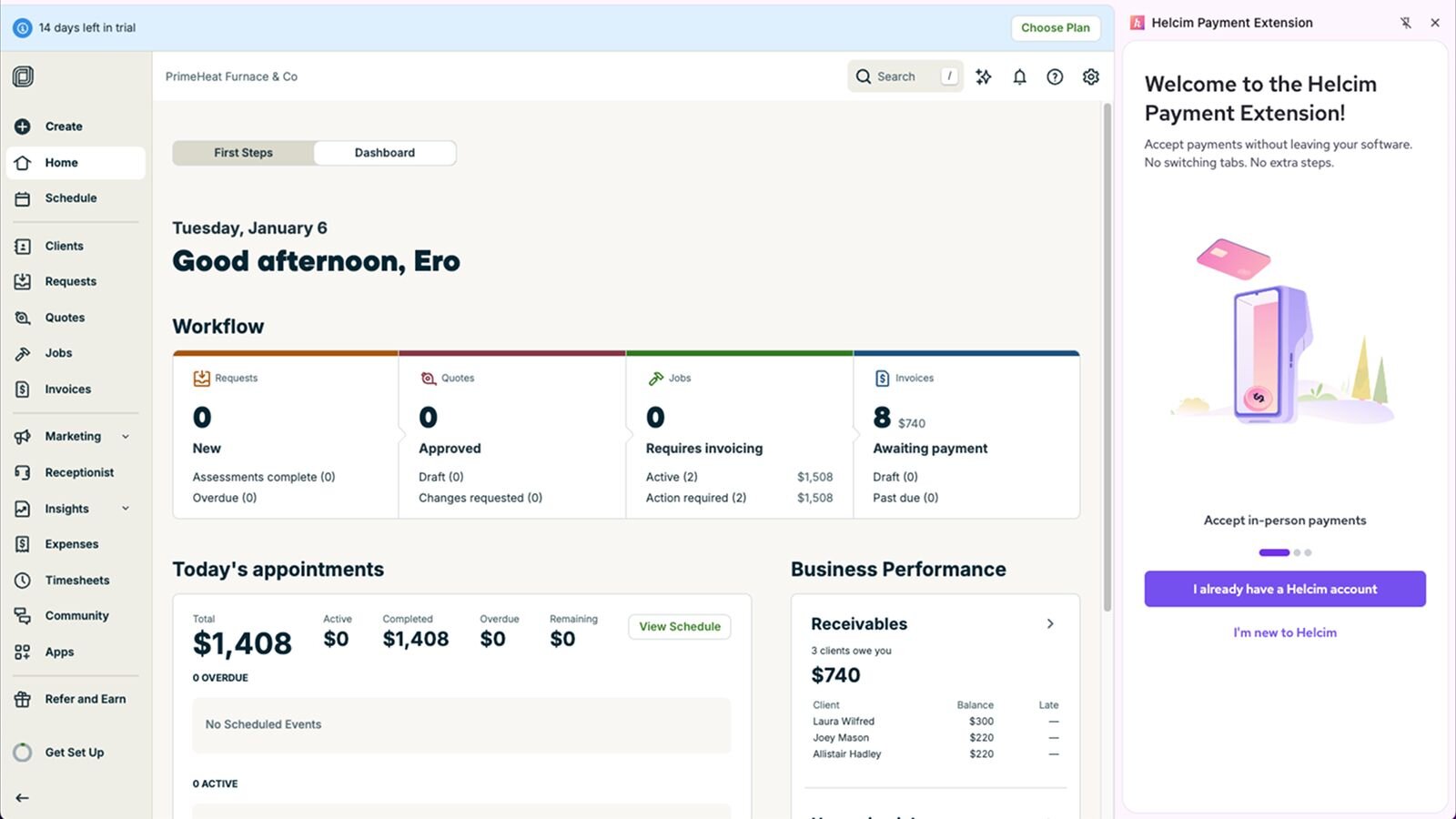
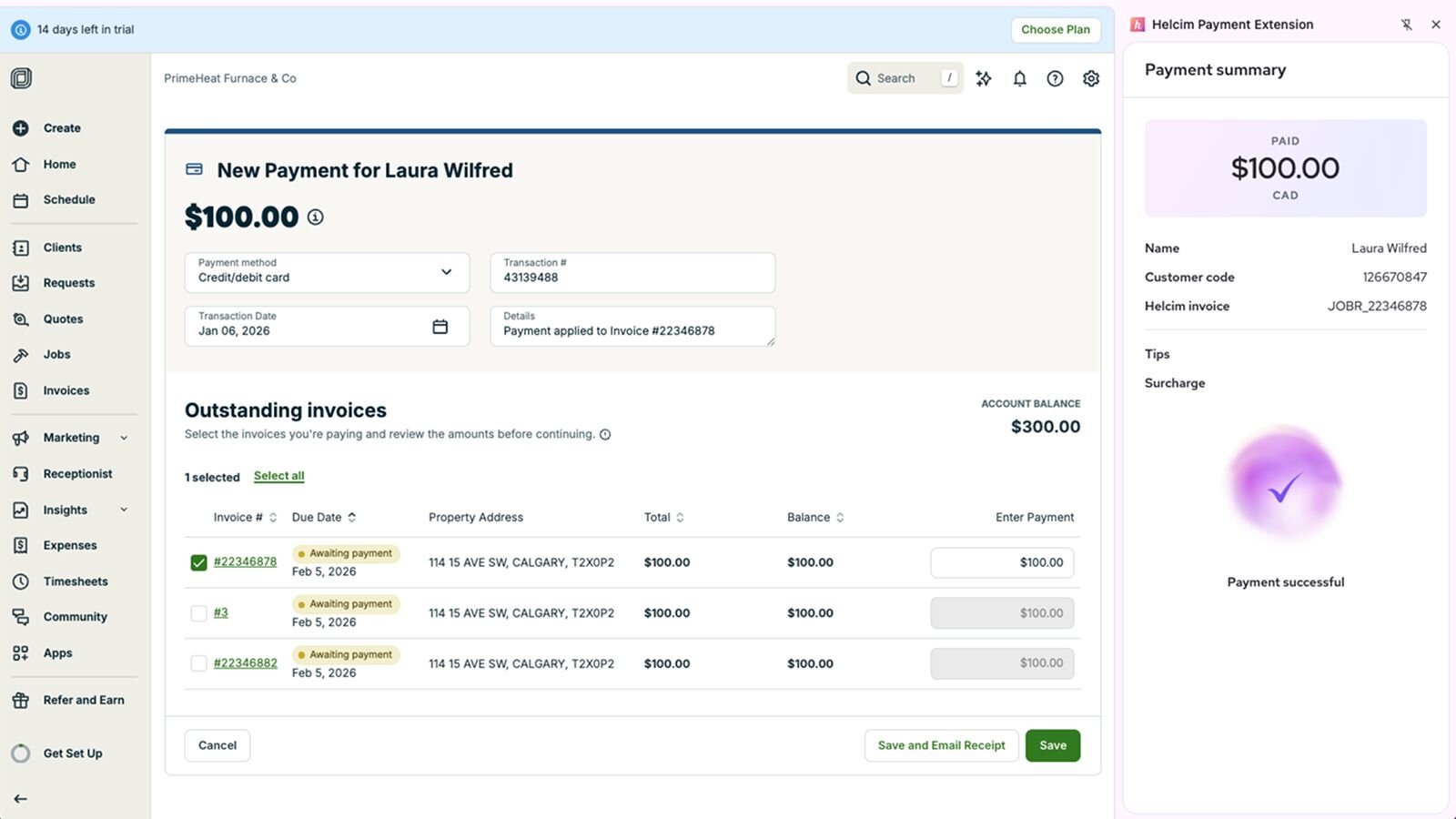
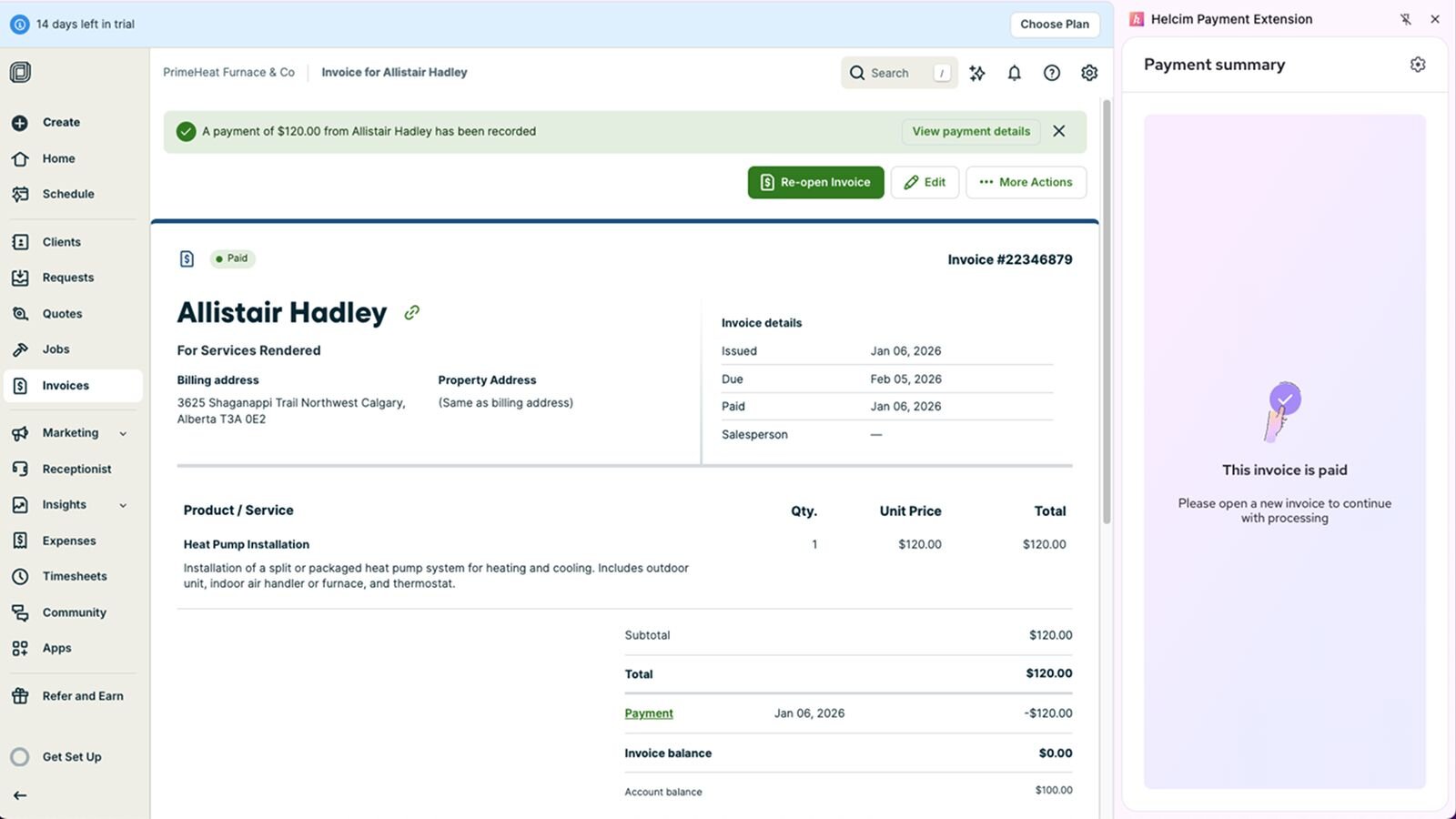
Jobber is an all-in-one business management platform that automates quoting, scheduling, dispatching, and invoicing for home service businesses. Integrating with Helcim Payment Extension, you can get paid faster via online or field payments at a significantly lower fee, saving money compared to Jobber's native payment processor.
Rate comparison
In-person Payments
Online Payments

In-person Payments
Online Payments
We are all about transparency.
Features
Streamline front-desk operations
Reduce double entry and manual updates—payments flow through Helcim while your administrative staff stays in Jobber.
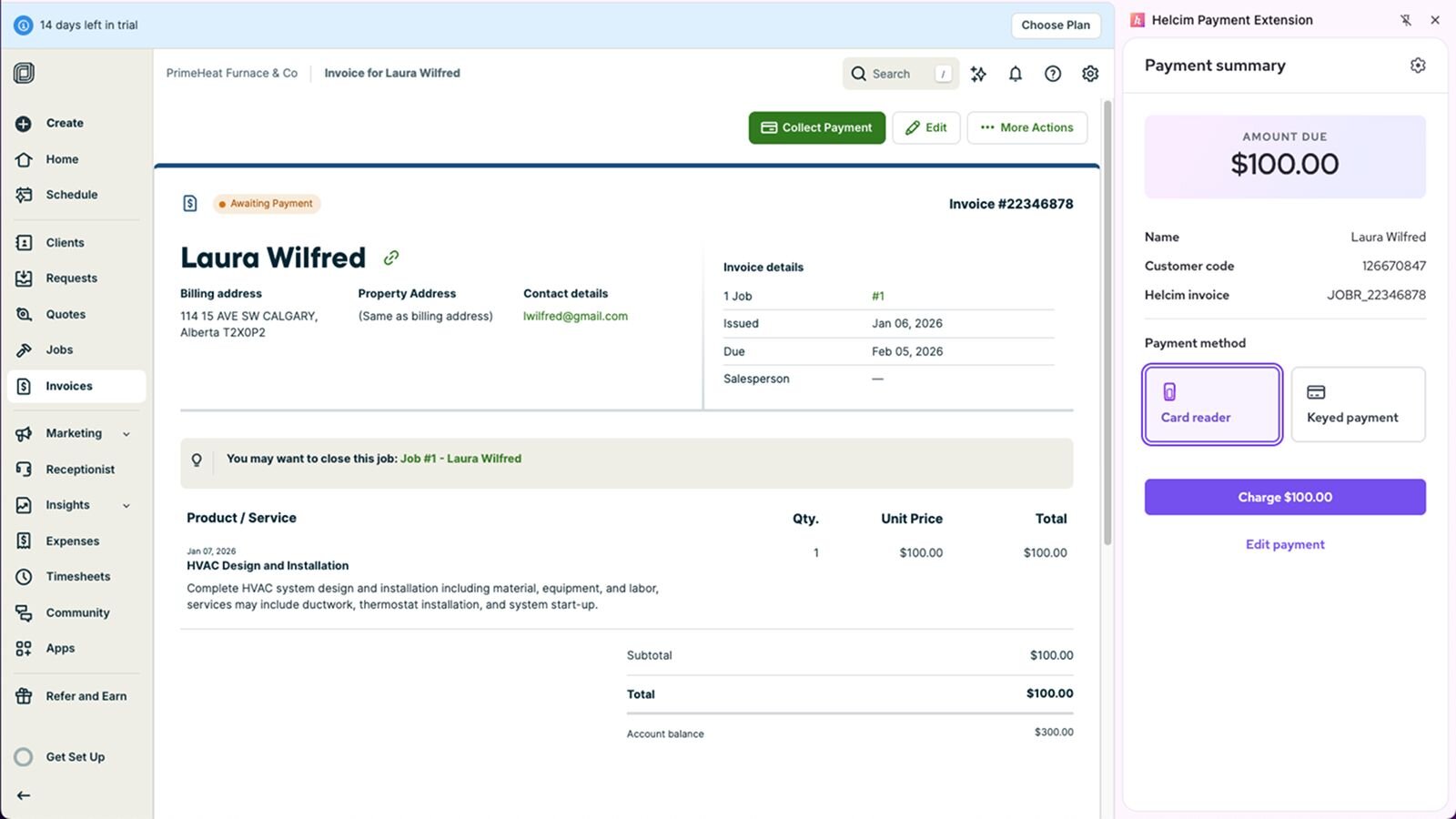
Collect payments inside Jobber
Take payments for appointments, invoices, and outstanding balances directly inside Jobber without switching systems.
Lower your payment processing fees
Helcim’s transparent interchange-plus pricing offers a more affordable alternative to Jobber's default payment provider.
Secure payment handling
Helcim safeguards client payment data with card tokenization and comprehensive PCI program backed by annual audits—ensuring secure, fast, and reliable checkout.
How it works with Helcim
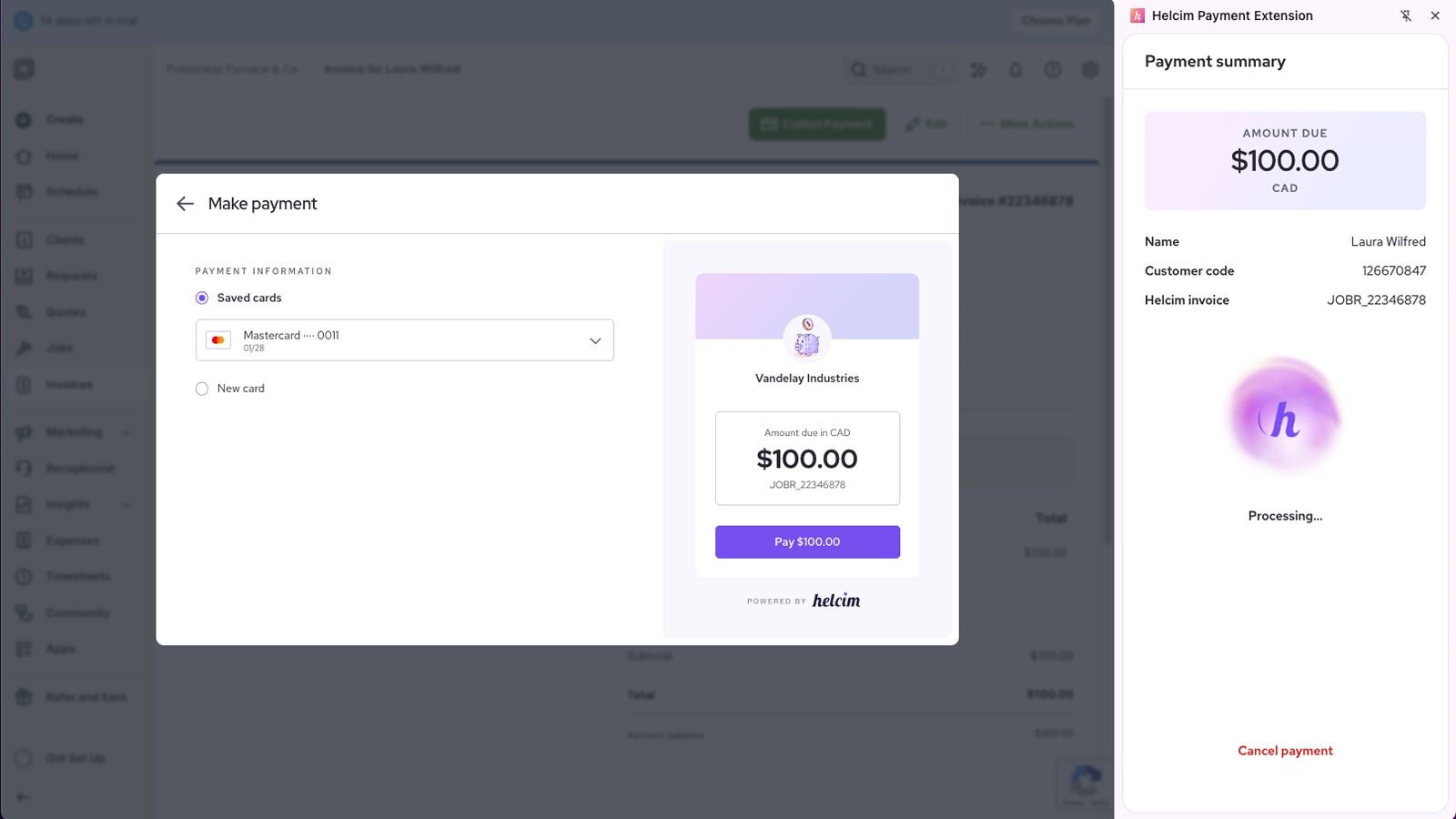
The Helcim Payment Extension enables payments to be processed through Helcim while Jobber continues to manage scheduling, job details, and customer records. Transactions are synced to Helcim for reporting and deposits, while invoices and job history remain in Jobber. Refunds or adjustments made outside Jobber may require manual updates. Invoice currency must match your Helcim account currency to prevent payment issues. This allows service businesses to use Helcim instead of Jobber’s default payment processor while keeping their workflow unchanged.
Requirements
Setup
Sign up with Helcim
Create a free Helcim account to access your payment tools and API configuration.
Install the Helcim Payment Extension
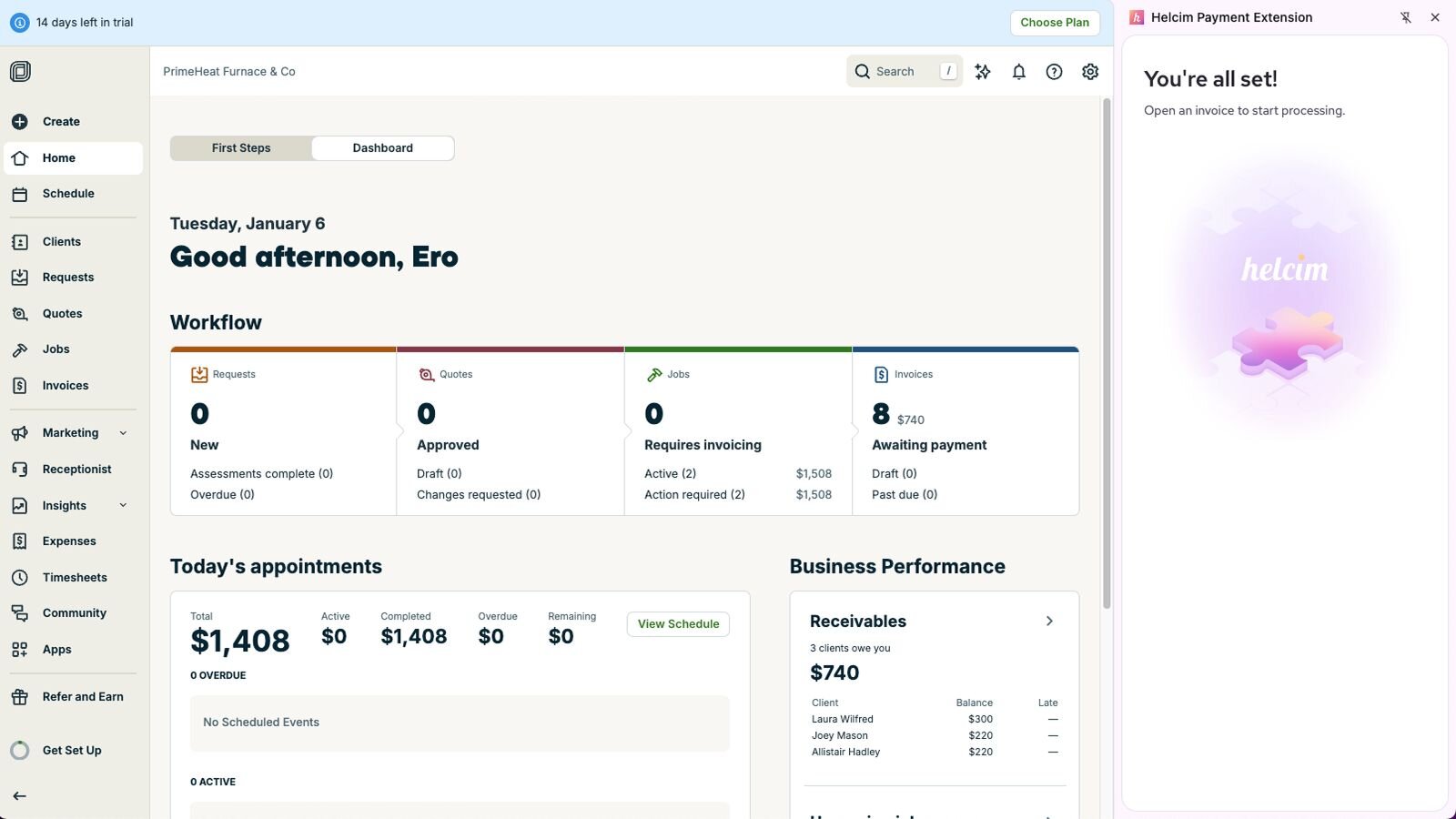
Install the Helcim Payment Extension to your browser from the Chrome Store.
Connect your Helcim account
Grab your Helcim API credentials. You can find this under Integrations > API Access Configurations > New API Access. Then copy-paste it on your Payment Extensions tab in Jobber.
Connect your Helcim hardware (optional)
If you have a Card Reader or Smart Terminal, you can pair it by copy-pasting your 4-digit device code onto your Payment Extensions tab in Jobber.
Frequently asked questions
Can Helcim Payment Extension reduce Jobber payment processing fees?
Yes — Helcim’s interchange-plus pricing is typically lower than Jobber's default payment processor, reducing your shop's transaction costs. Helcim doesn't have any monthly fees as well.
Can Helcim integrate with Jobber Invoice?
Yes — Helcim allows you to take payments for Jobber's invoices, appointments, and outstanding balances directly through the platform.
What are the advantages of Helcim and Jobber?
Lower fees, secure payments, faster administration, and reduced manual reconciliation.
Is the Helcim Payment Extension an alternative to Jobber payment processing?
Yes — Helcim Payment Extension provides affordable payment processing which can be an alternative to Jobber's built-in payment system.